 ScanForge
Scan, recognize and create PDFs. Offline.
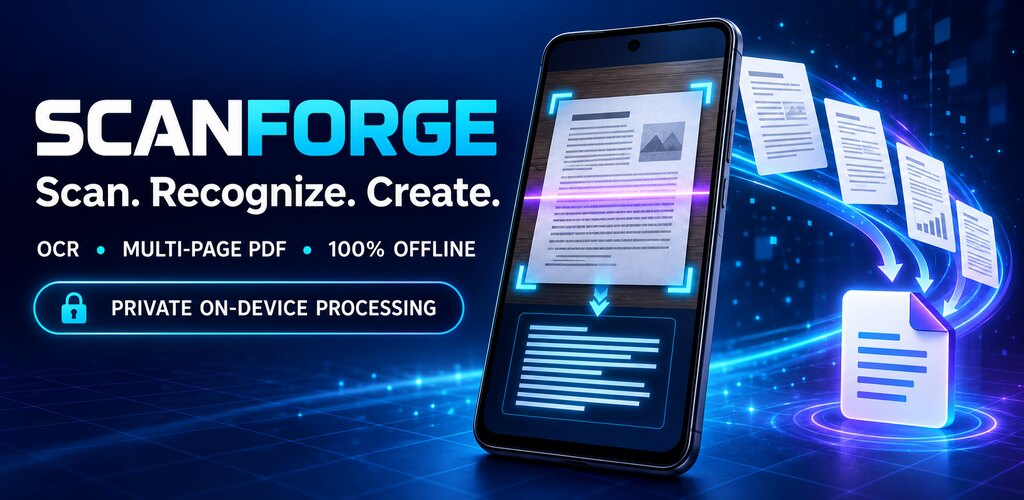
ScanForge turns your phone's camera into a scanner: it straightens the page, cleans up the image, reads the text and builds a multi-page PDF. Everything happens on the device. The app has no permission to connect to the Internet, so your documents cannot leave it.
For Android 7.0 or later. No account and no ads.
What it does
From paper to PDF on your phone, with the text ready to copy and search.
-
Camera scanning
Point at the page and the app outlines its edges as you frame it. It warns you about low light or a moving phone. You can also import photos from your gallery.
-
Crop and perspective
The page is cropped and straightened automatically. If detection misses, adjust the four corners with a magnifier that shows the exact spot.
-
Document filters
Enhanced color, grayscale, black and white and strong text, with brightness, contrast and sharpness controls. The original photo is kept, so you can always go back.
-
Text recognition (OCR)
Reads the text of each page on the phone itself. You can correct it, search for a word, copy it or share it.
-
Multi-page PDF
Reorder, rotate, duplicate or delete pages and create the PDF in A4, Letter or fitted to the page, in color, grayscale or black and white, at three quality levels.
-
Organize and find
Folders and tags to keep your documents in order, and search by name, by the text they contain, by tag or by date.
Your documents stay on your phone
A scanned document often carries personal data. That is why ScanForge does not rely on any server: cropping, filters, text reading and PDF creation all run on the device.
- The app has no Internet permission.
- No image or text is sent to any server.
- No account needed.
- No ads and no tracking.
- The only permission is the camera, and it is optional.
- You decide what to share and what to delete.
How it works
Three steps, nothing to set up and no connection.
- Scan Photograph one or more pages, or pick images you already have in your gallery.
- Review Adjust the crop and filter if needed, put the pages in order and correct the text.
- Export Create the PDF or the text and share it, or save it to the folder you choose.
Details
- Platform
- Android 7.0 (API 24) or later.
- Connection
- Not needed and not used. Works in airplane mode.
- Permissions
- Camera, only while scanning. If you do not grant it you can import images from your gallery, which are chosen with the Android photo picker.
- Text
- Recognizes printed text in the Latin alphabet: Spanish, English and other languages that use it.
- One image per page. Recognized text is exported separately as a text file; the PDF does not yet let you search or select text.
- Your files
- They are kept in the app's private storage and are not included in cloud backups. Export what you want to keep before uninstalling or changing phones.
- App language
- Spanish.
- Status
- In development. Not yet published on Google Play.
Edge detection and text recognition are automatic and can make mistakes, especially with low light, crumpled paper, small print or handwriting. Check the result before relying on it where an error could have consequences.